Web Design PortFoilio

Friendly APK
Friendlyapk.com is a controller or gamepad, Vr and Tablet friendly library of Android & Iphone games.

Web Wisdom
This is des-dev web tool list and learning resource that can help you to plan 🤔, structure 💠, build & design assets, back-end dev, server structure and many more.

Pixel Art
This is description of the project. Time it took, what is Unique in it.
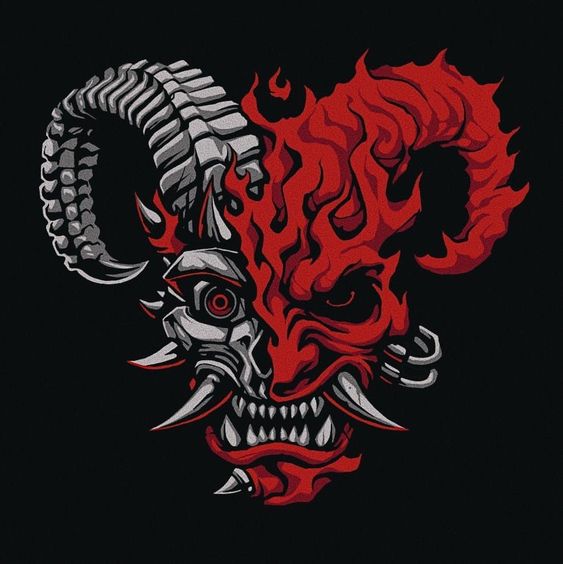
Old PortFoilio
This is description of the project. Time it took, what is Unique in it.

Letter Emporium
This is description of the project. Time it took, what is Unique in it.

Mandaladuo
This is description of the project. Time it took, what is Unique in it.
1.Purpose

Defining your website's purpose and audience is essential. Understand why you're creating it: business, portfolio, event promotion, or blogging. Set clear objectives and regularly review them. Measure success by tracking engagement.
Different types serve unique functions: stores sell, portfolios showcase, business educates, events promote, and blogs inform. Choose a suitable platform wisely.
⥥ Purpose Form2.Platform
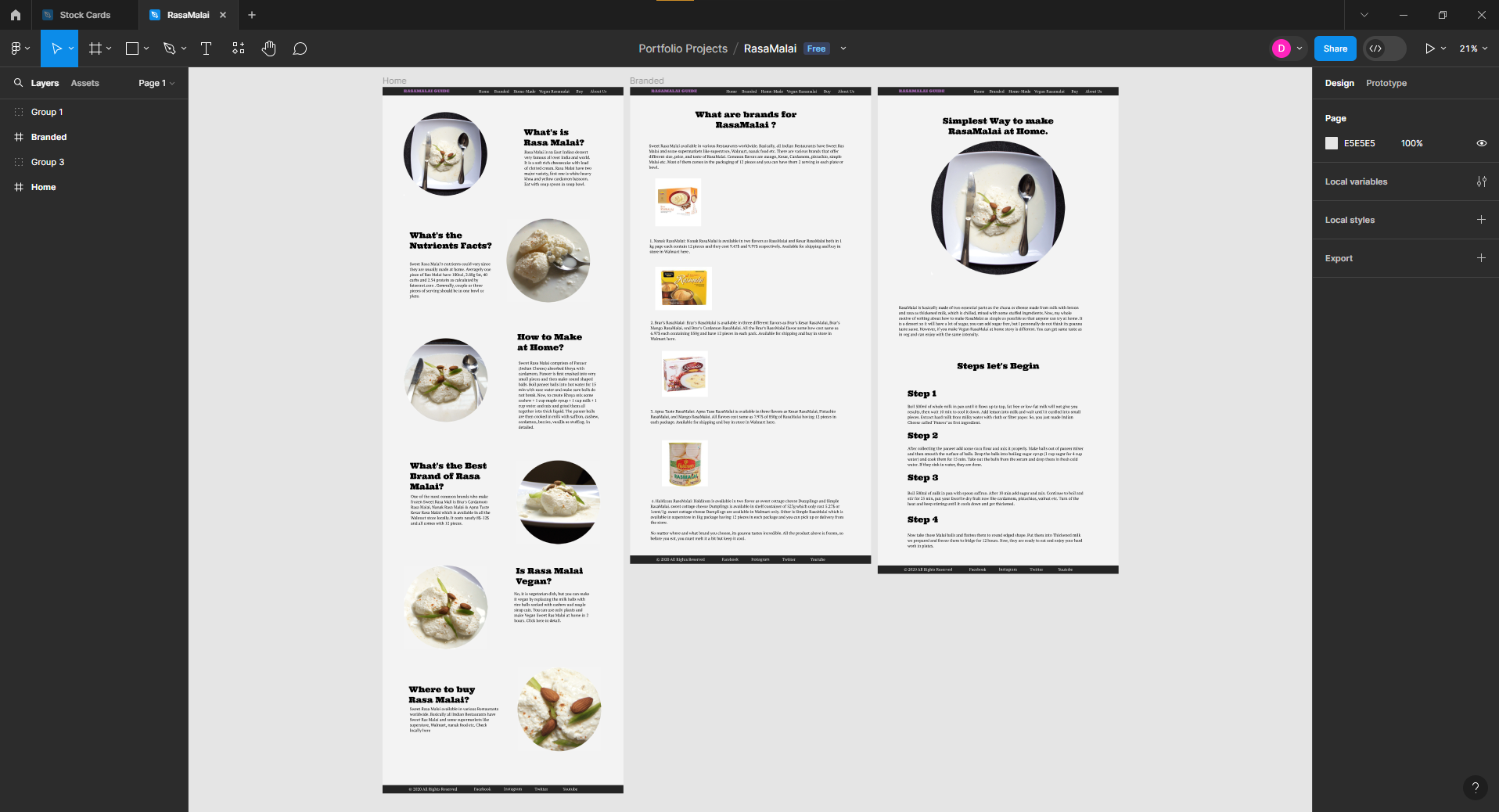
Figma is a platform for teams to design, prototype, develop, and collect feedback on products in one space. It offers tools for co-creating, aligning, and standardizing design systems, as well as a new space for developers to translate designs into code.
⥥ Figma3.Site Map
A sitemap is a visual or textual representation of a website's structure, outlining its pages, hierarchy, and navigation pathways for both users and search engines. To create sitemap, just create a list of all pages required in the website. Download the chart below to write all pages in order. figma, miro and sometimes I use canva to create sitemaps.
⥥ Purpose Form4.Wireframe & Layout
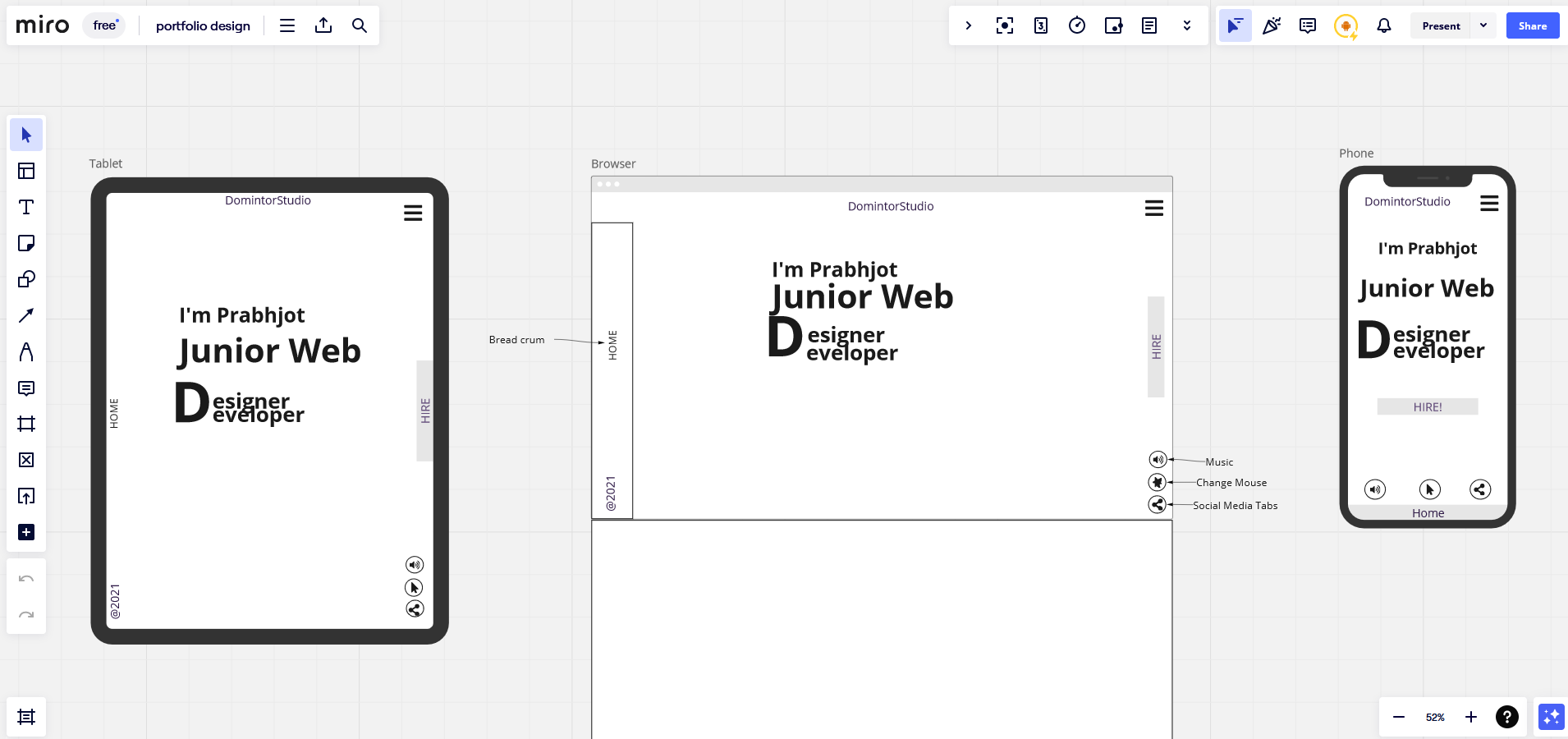
A wireframe is a skeletal outline or blueprint of a website, illustrating its layout, content placement, and functionality, serving as a visual guide for design and development. Figma & Miro are the simplest webapps I use to build wireframes and layout.
⥥ Figma5.Style Guide
A website style guide is a comprehensive document outlining design elements such as colors, typography, imagery, and branding guidelines to maintain visual consistency across all aspects of the website.
⥥ Try Miro6.Content
I am accountable for content creation across diverse mediums, encompassing writing, photography, videography, SEO, graphic design, vectors, 2D & 3D animations, and more. I possess the capability to assist in crafting content within each of these categories. With the help of AI I can improve the content to next level.
⥥ Figma7.Responsive
As a web designer, I excel in crafting responsive websites optimized for seamless viewing on mobile phones and tablets. With a focus on user experience and cutting-edge techniques, I ensure that every site I create is visually appealing and functions flawlessly across various devices, delivering captivating digital experiences for all users.
⥥ Mobile Portfolio8.Test & Optimize
With a keen focus on precision and improvement, I adeptly test and optimize websites, encompassing design elements like photos, vectors, and responsiveness. Utilizing analytical tools alongside creative insight, I systematically evaluate each component to enhance usability, visual aesthetics, and overall user experience.
⥥ Portfolio